AI Prompt Gallery
We publish prompt examples you can use with AI functions and the AI note editor.
We'll show you how to use AI — classifying open-ended answers, deduplication, generating reports, and more.
AI Prompt
With AI Prompt, you can wrangle, calculate, and aggregate your data simply by describing what you want in natural language.
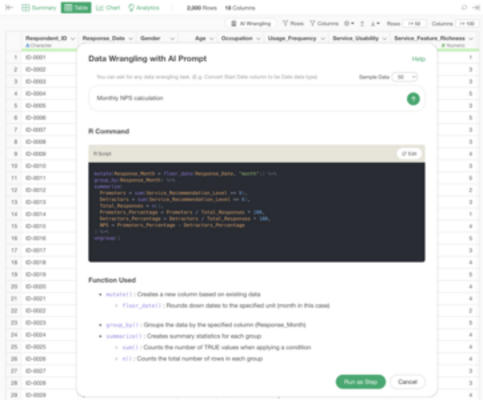
Introduces the AI Prompt feature for wrangling data in natural language, along with the basics of writing prompts.
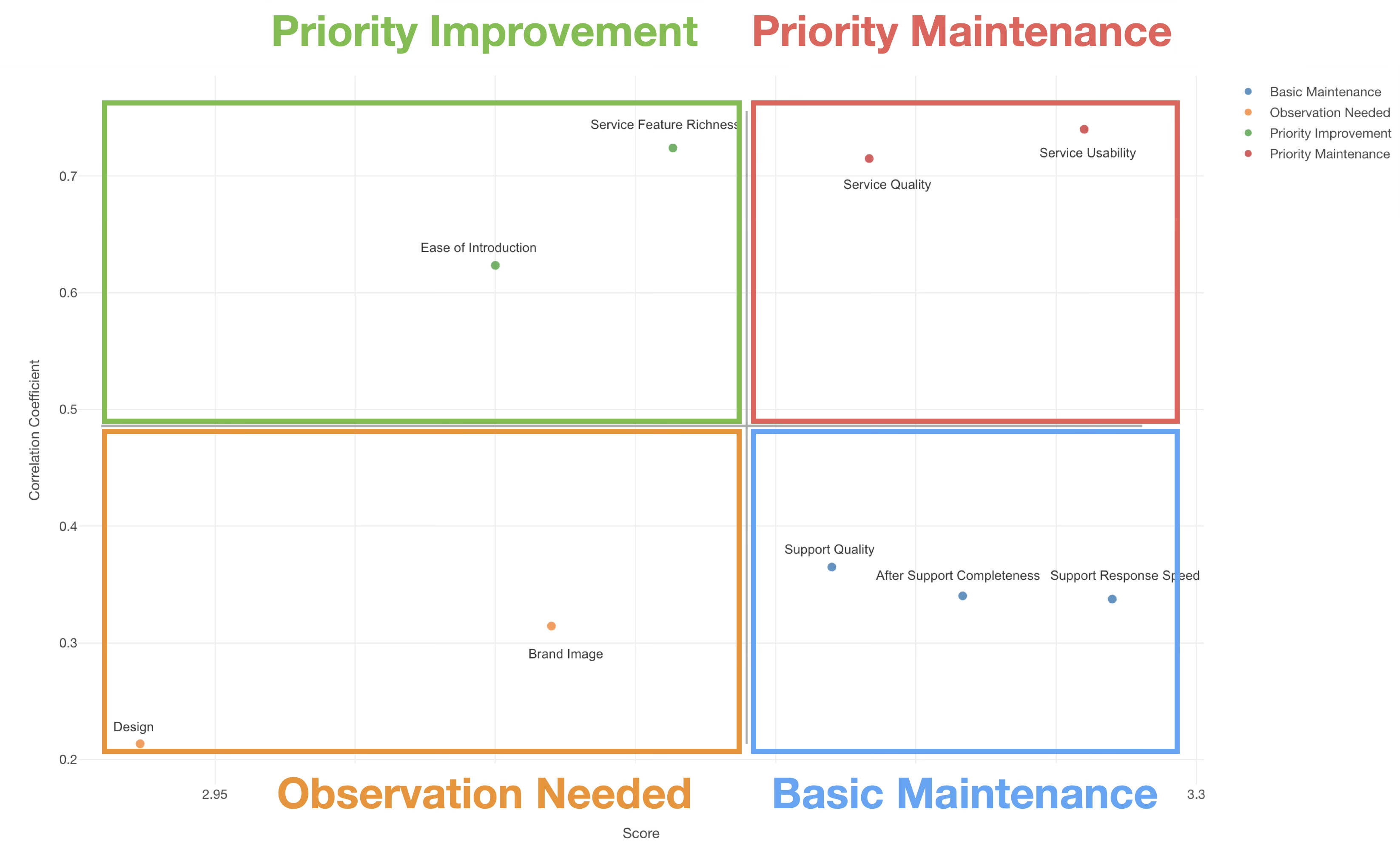
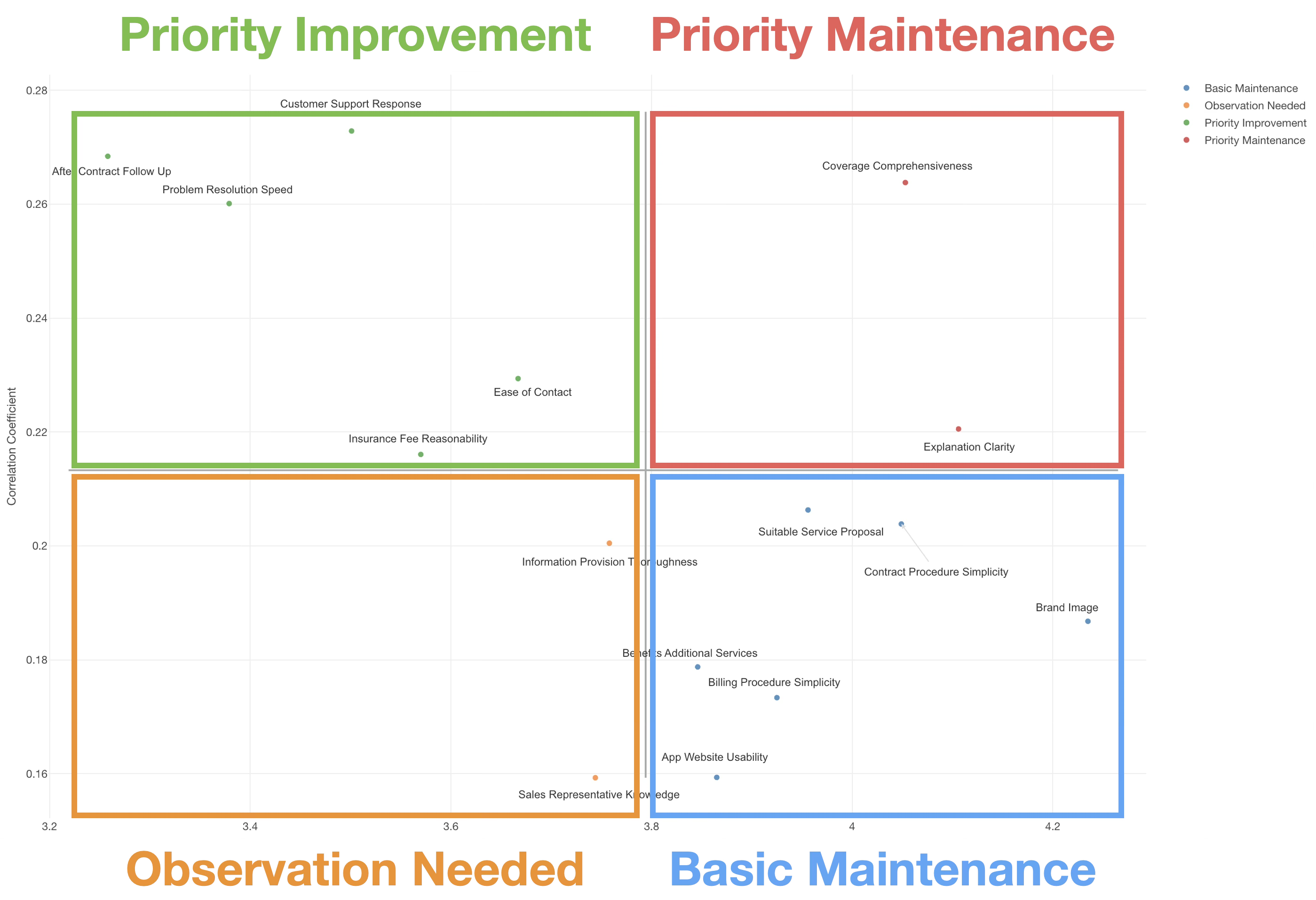
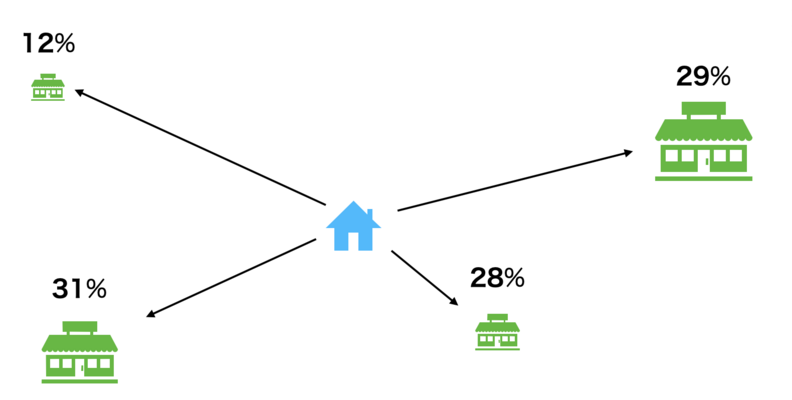
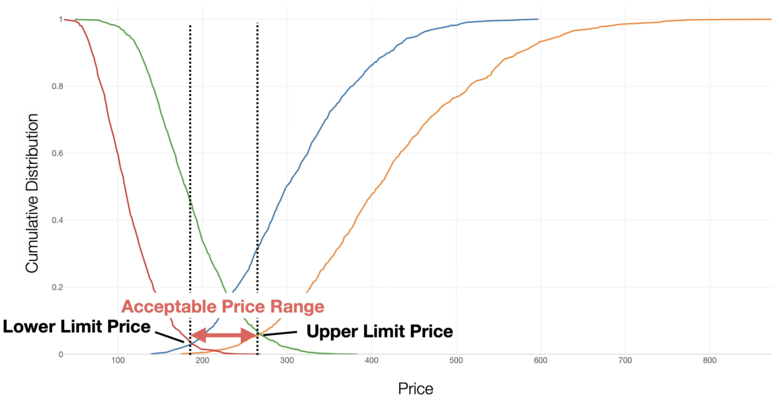
Introduces how to do PSM (Price Sensitivity Measurement) Analysis with AI Prompt.
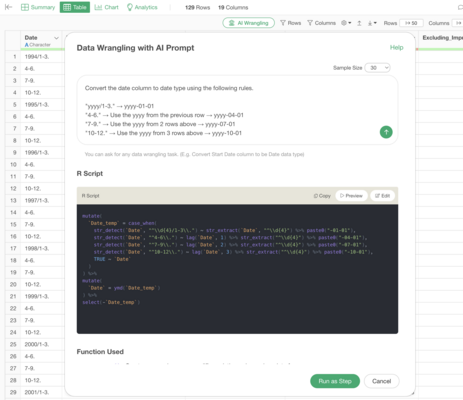
Introduces how to convert date data that has the year information only in the first row.
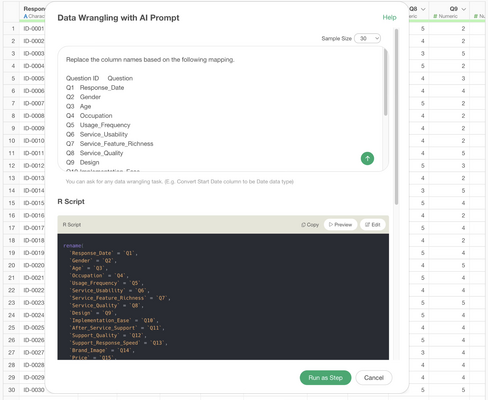
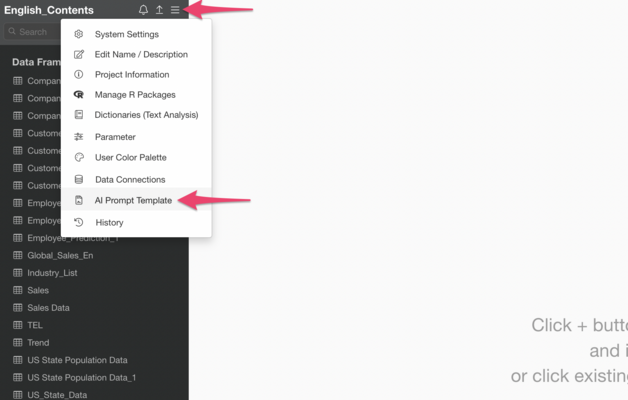
Introduces how to register the prompts you use often as templates and share them.
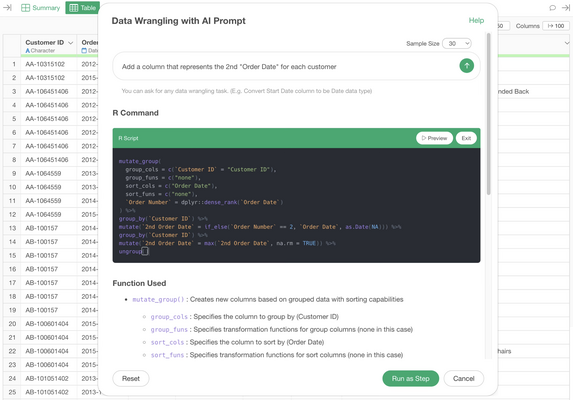
Introduces how to create a column for the Nth purchase date with AI Prompt.
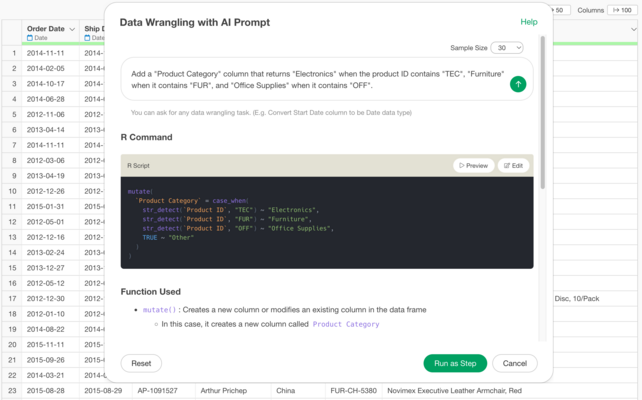
Introduces how to set labels when a specific string is contained with AI Prompt.
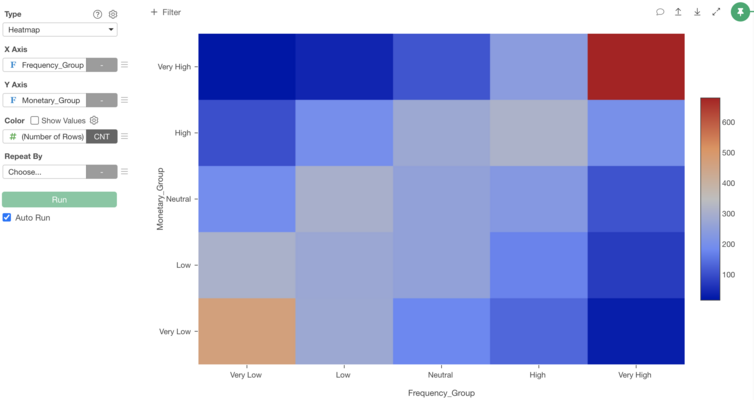
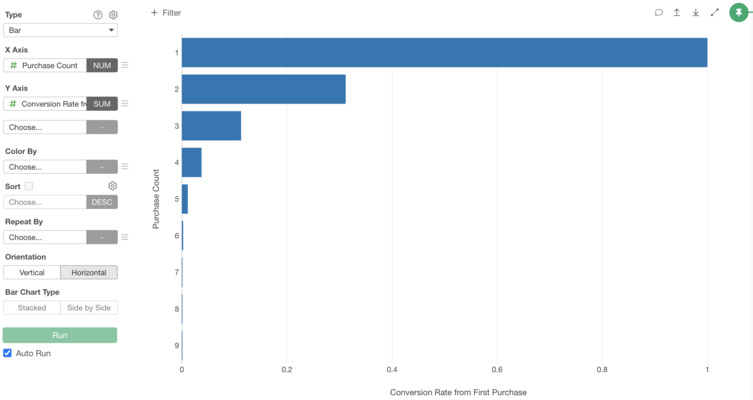
Introduces how to calculate the Fn conversion rate with AI Prompt.
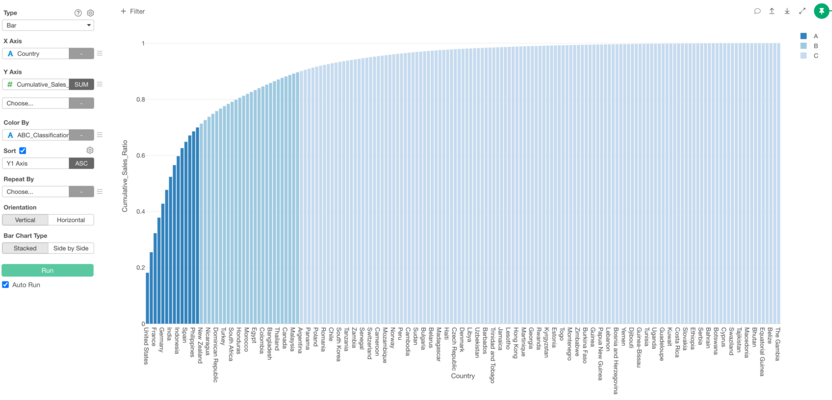
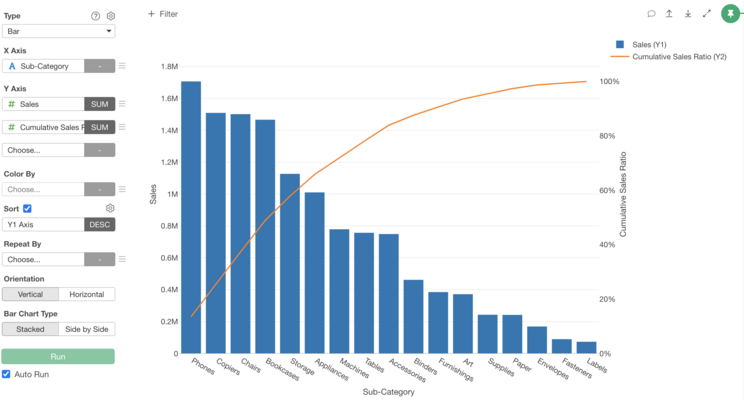
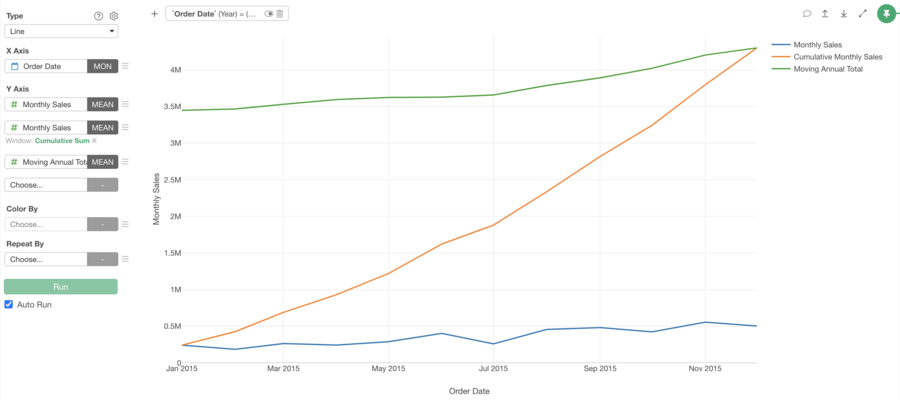
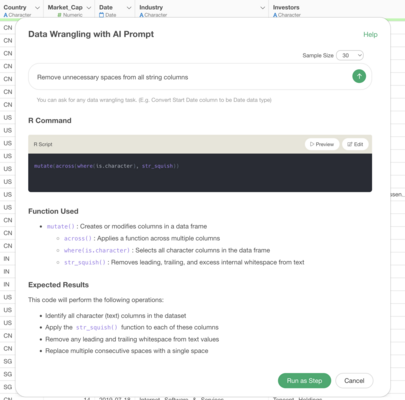
Introduces how to run batch calculation processing for multiple columns with AI Prompt.
AI Function
With AI Function, you can let AI process each row of your data to classify, summarize, translate text, standardize name variations, and more.
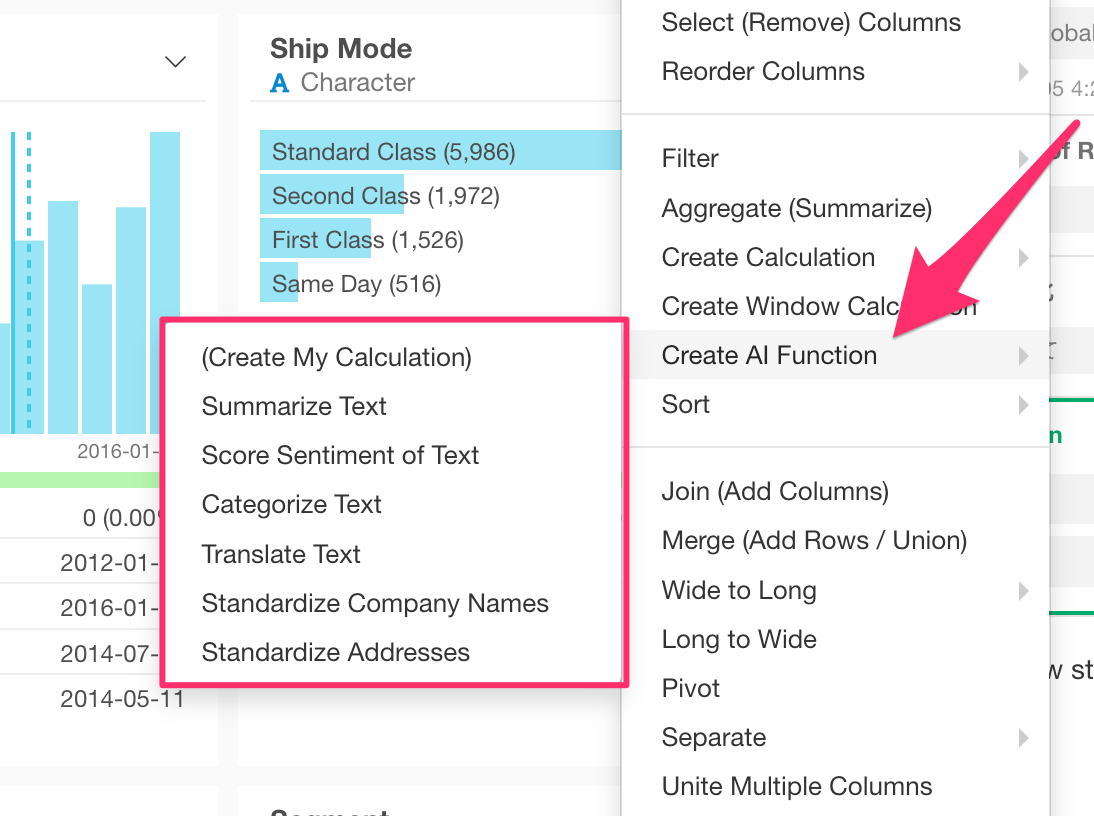
Introduces how to quickly summarize text, calculate sentiment, categorize, translate, and standardize names from the column header menu.
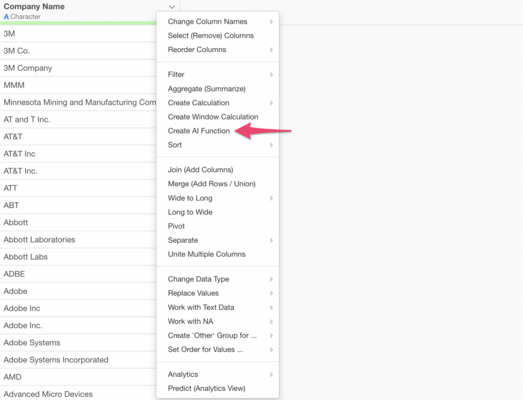
Introduces how to fix name variations of company names, product names, addresses, and more with AI Function.
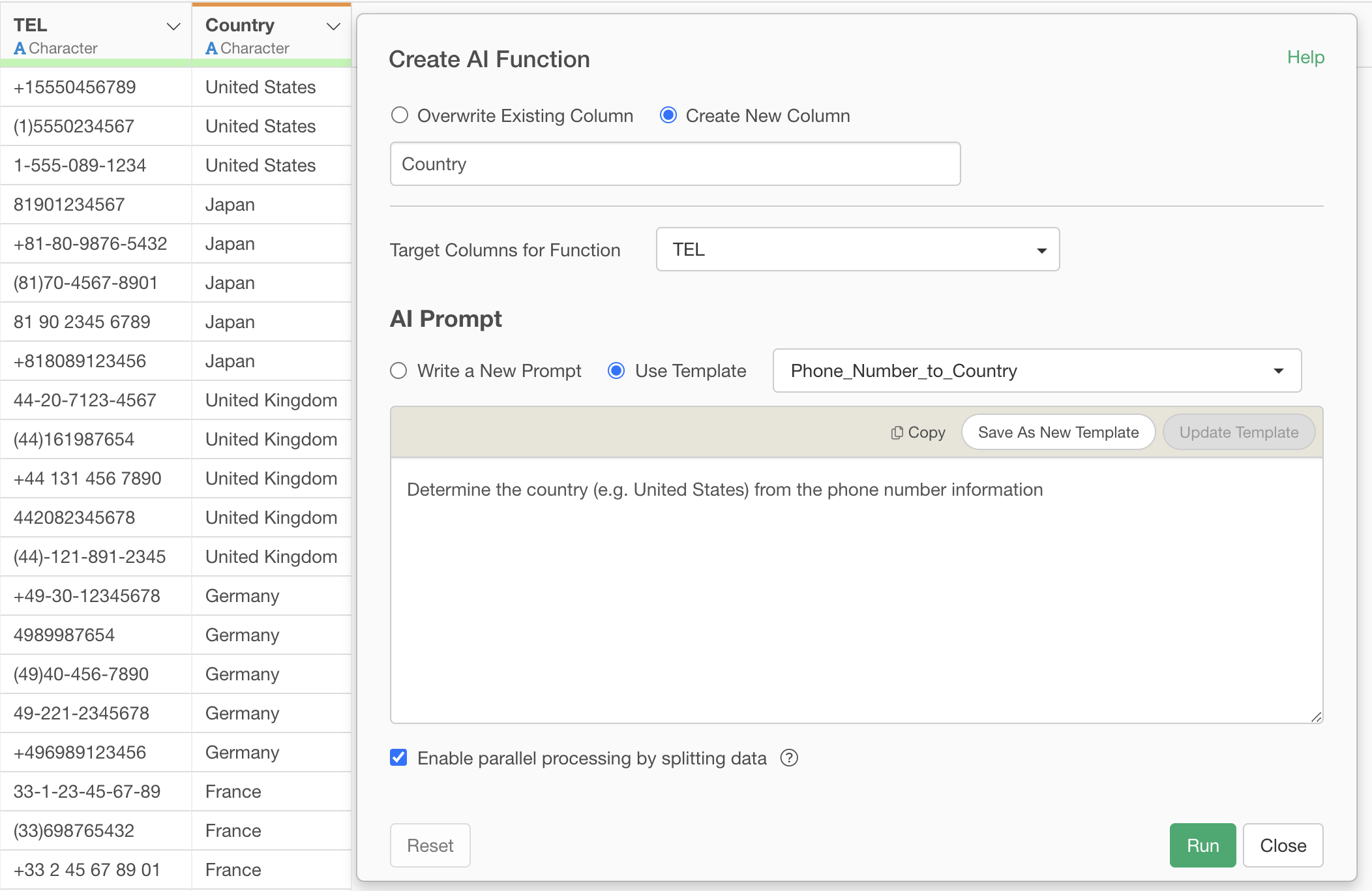
Introduces how to instantly identify the country from phone numbers with AI Function.
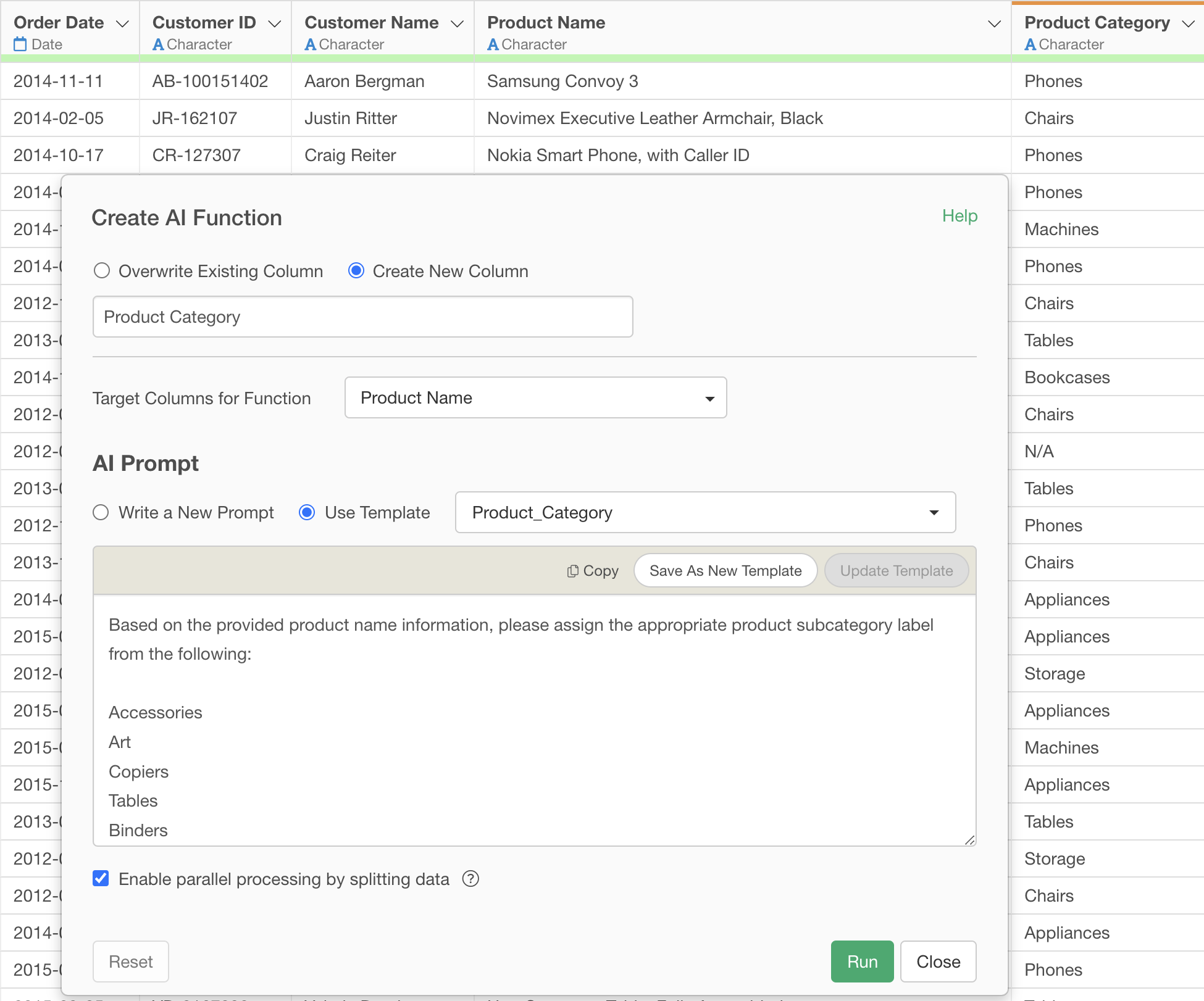
Introduces how to automate category classification (labeling) from product names with AI Function.
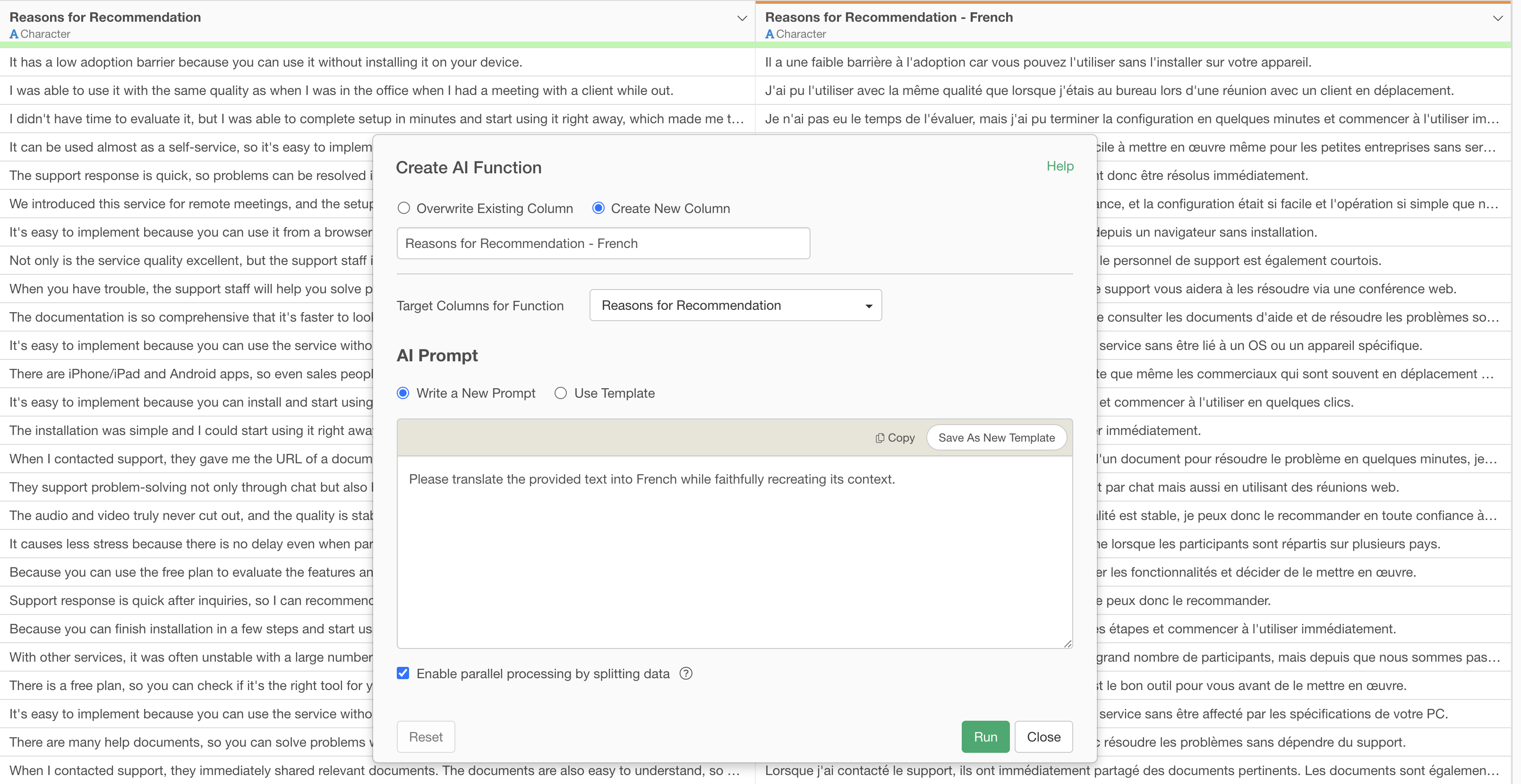
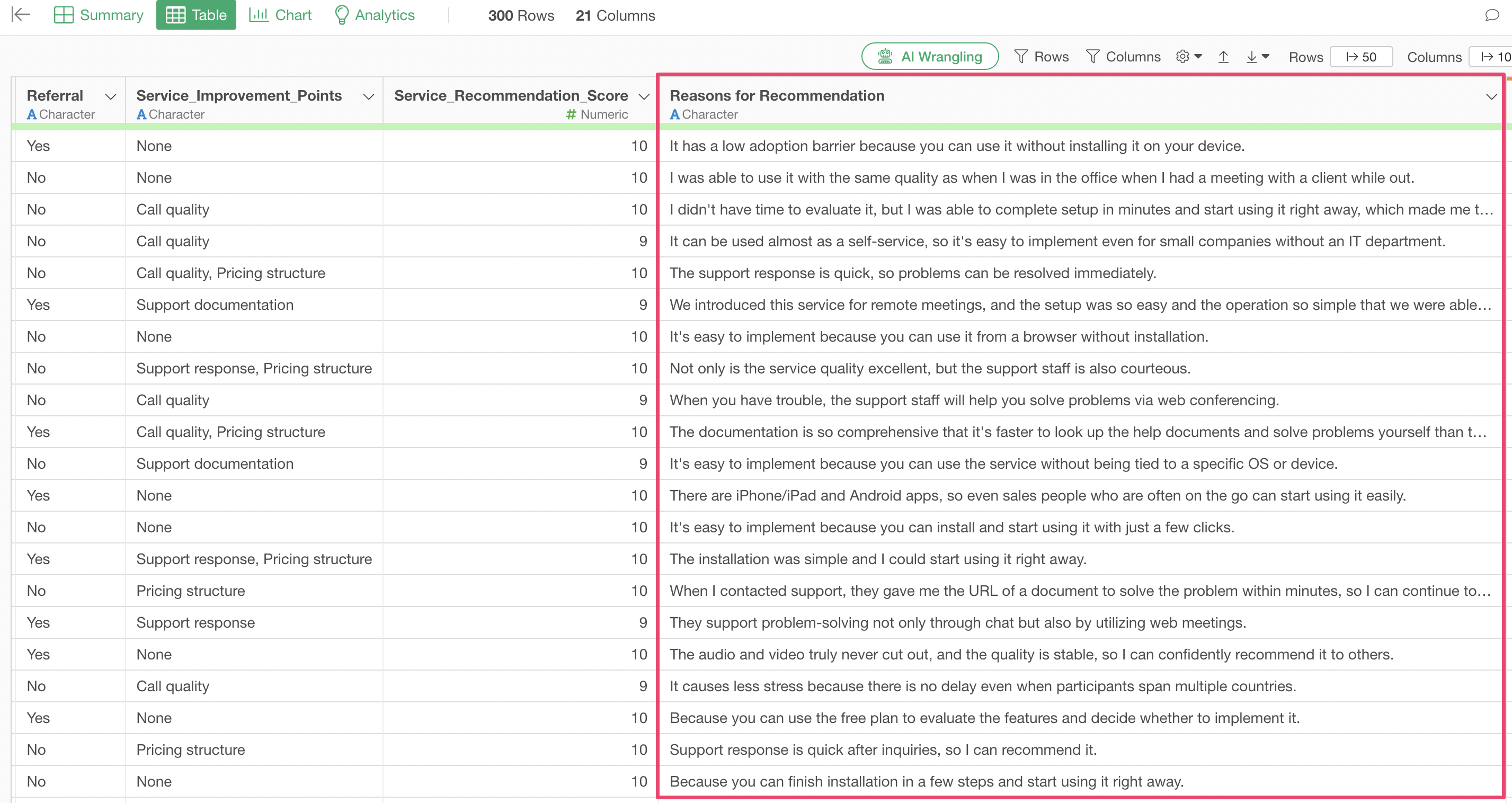
Introduces how to derive sentiment scores from free-text responses with AI Function.
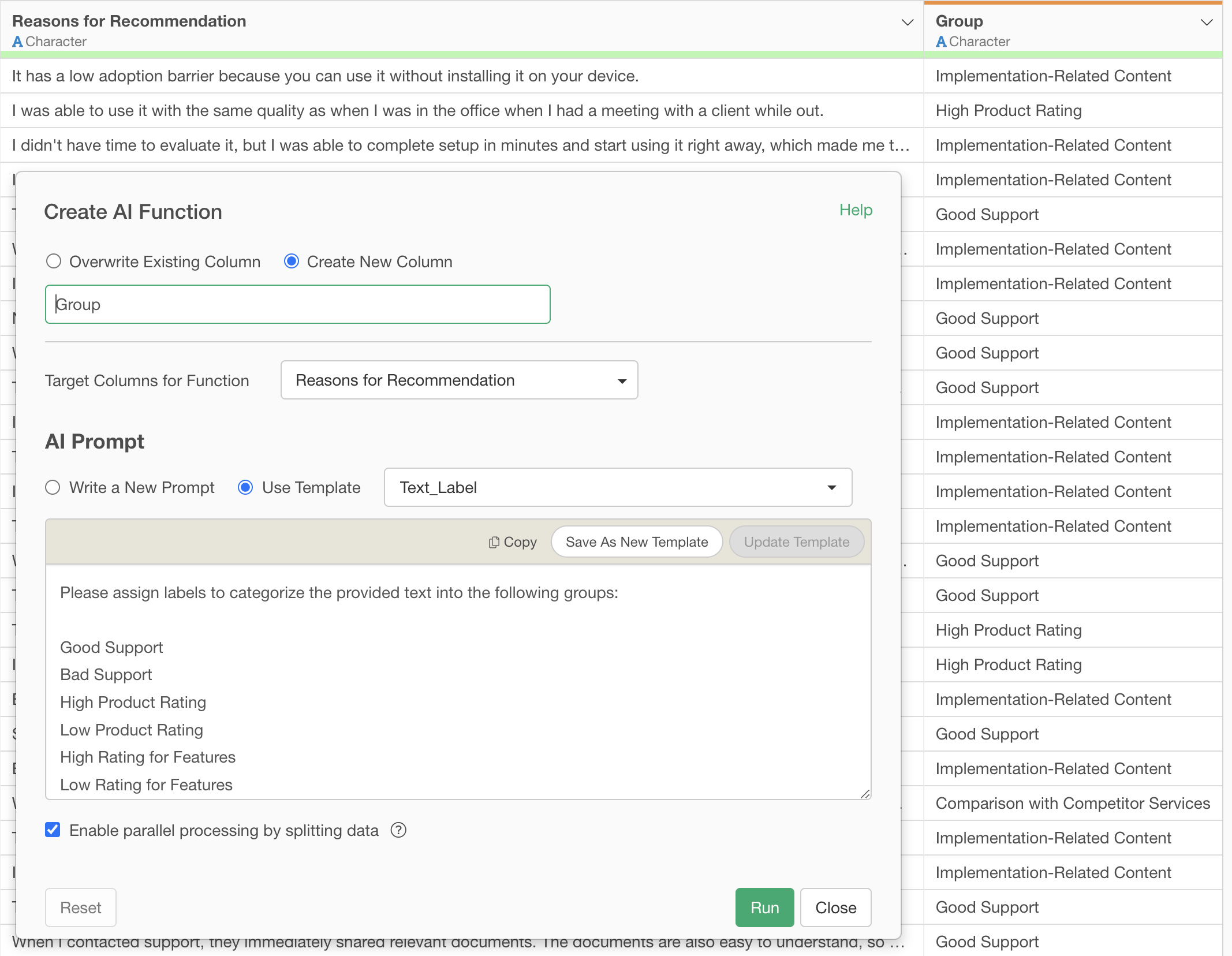
Introduces how to instantly group free-text responses with AI Function.
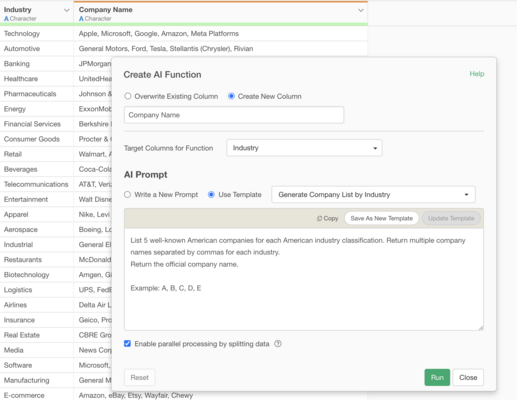
Introduces how to generate a list of companies from an industry with AI Function.
AI Note Editor
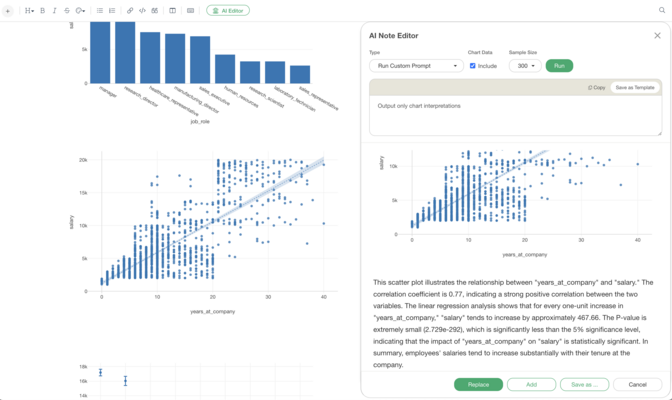
With AI Note Editor, you can automate interpreting charts and creating analysis reports with AI.
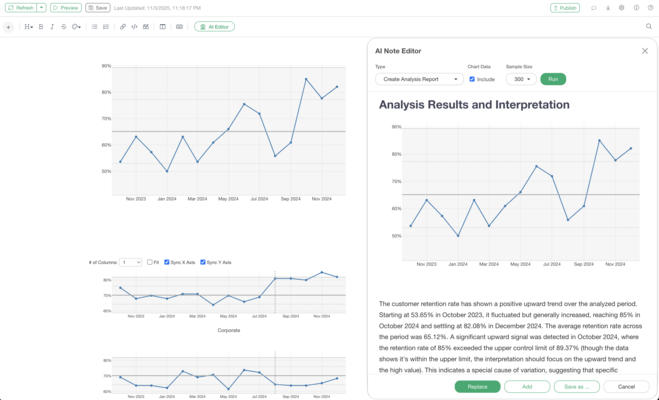
Introduces what AI Note Editor is and how to use it to summarize, translate, interpret charts, and create analysis reports.
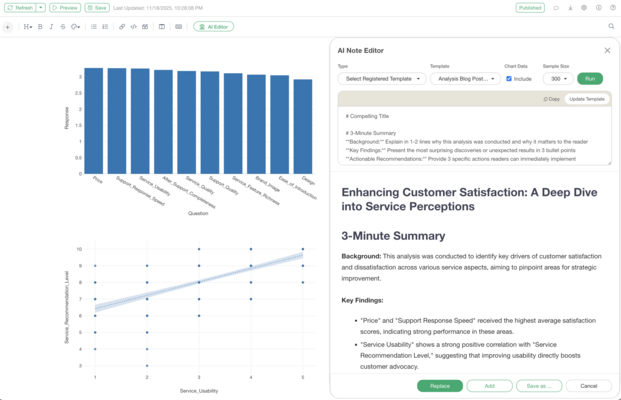
Introduces how to automate your own report creation with custom prompts and registered templates.
We'll show you how to use AI — classifying open-ended answers, deduplication, generating reports, and more.